



By Michael Elijah Muhammad Clare · November 11, 2026
Tally POS is a point-of-sale app built for Bahamian shops, bars, and restaurants. It is a single file that lives on your phone or tablet, it keeps working when the internet is down, and it was made in Exuma by a Bahamian, for Bahamians. It costs $25.00 USD.
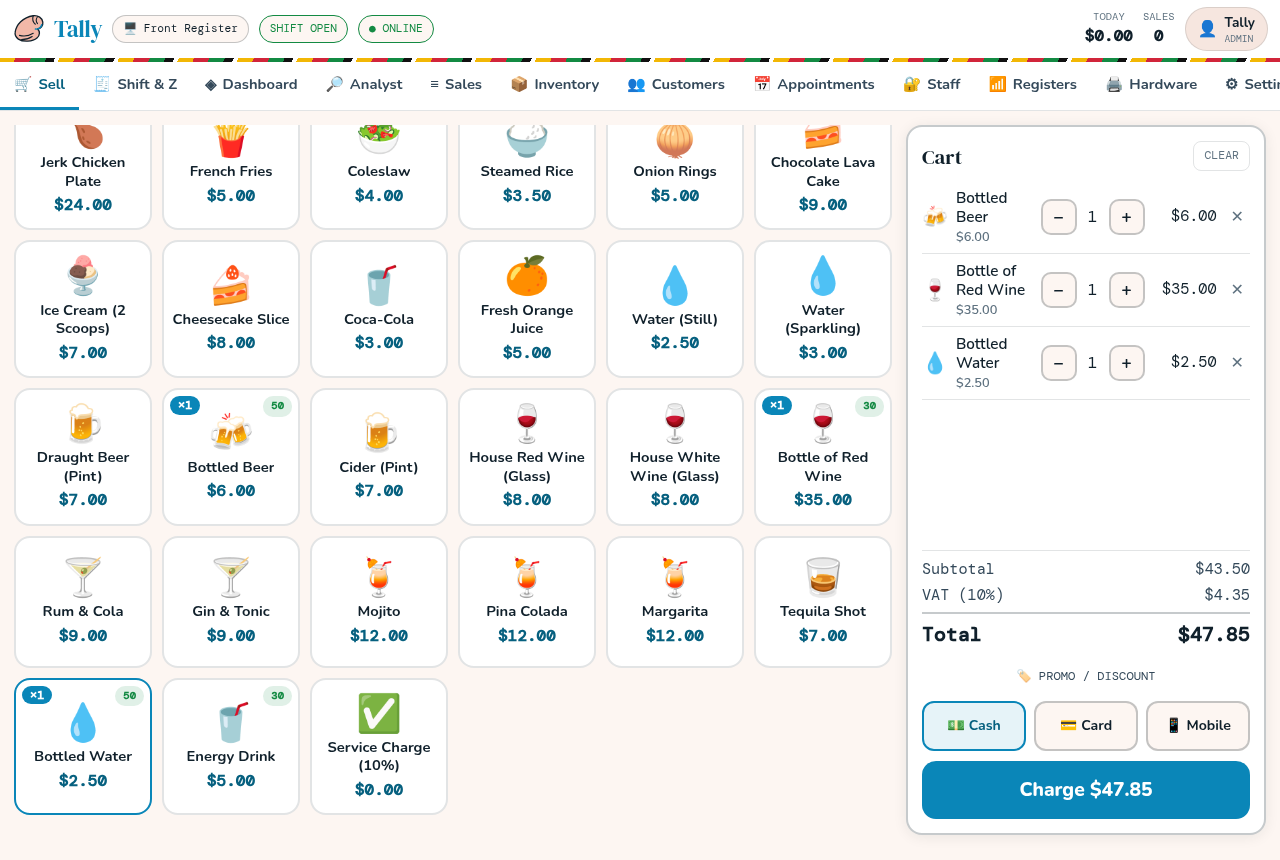
Ring up a sale in a few taps
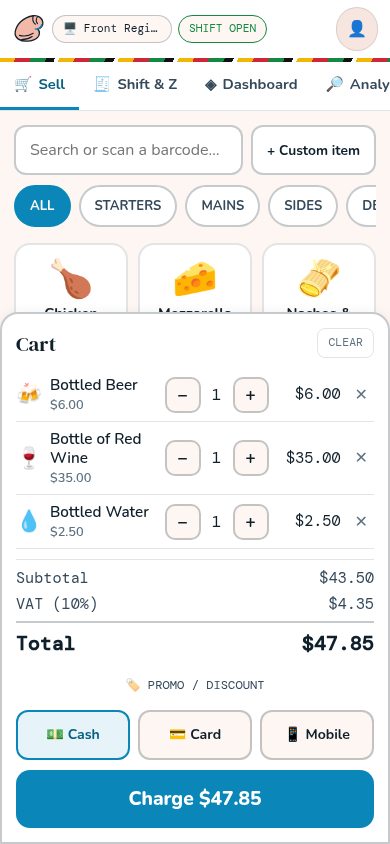
Tap a tile to add an item. The ticket adds up as you go. When the customer is ready, choose cash, card, or mobile money, and the sale is done.
The type is large and the colors are strong, so the screen stays readable in bright island light. The layout fits a phone or a small Android tablet. Every screen is in plain English, so new staff can start ringing up sales on their first shift.
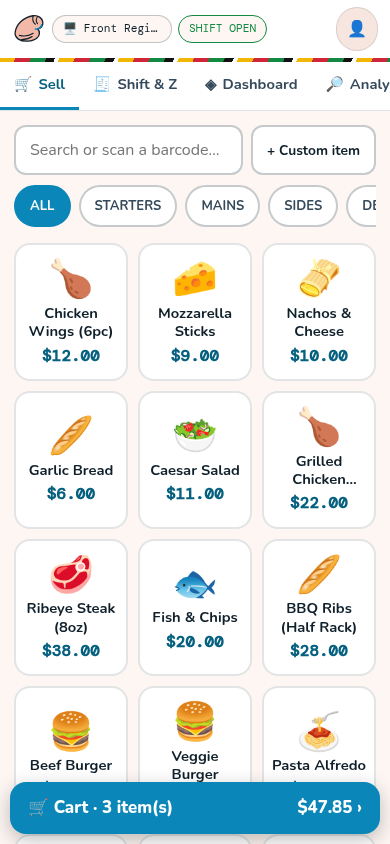
What Tally POS does
- Sales by cash, card, or mobile money
- Shifts and the cash drawer
- X-reports and Z-reports
- Refunds
- Inventory
- Customers and staff
- More than one register
- Printed receipts over Bluetooth or USB
Good to know before you buy
- Card sales are recorded, not processed. Tally POS saves the last four digits and the authorization reference on your device, so your shop can settle card sales through its own Bahamian bank merchant account. Tally POS does not move money.
- Receipt printing needs Chrome or Edge. Bluetooth and USB printing work in the Chrome or Edge browser. They do not work on iPhone, iPad, or Firefox. If printing matters to your shop, put your printer model in your email.
- No kitchen screen or table service. This version is built for counter sales.
Price and how to buy
Tally POS costs $25.00 USD. Proceeds support Tally. There is no download on this page. You buy by emailing Tally directly.
- Tap the button below. It opens an email to Tally.
- Tally replies and tells you how to pay. Payment by wire transfer is accepted.
- After payment is arranged and your purchase is approved, the app is emailed to you.
If the button does not open your email, write to ithaliarolle@outlook.com with the subject “Tally POS payment”.
Payment details are sent only by email from that address. They are never posted on this page or on social media. Please do not send card numbers by email.

Comments
Comments are closed on this story.